

Relatives at RootsTech 2026: Don’t Miss This Cousin-Connecting Opportunity
Heart of the Family is a participant in the Amazon Services LLC Associate Programs and other affiliate services. This means that thefamilyheart.com receives a small commission by linking to Amazon.com and other sites at no cost to the readers.
If you have previously attended a RootsTech Conference and only given the Relatives at RootsTech feature a passing glance, 2026 is the year to take it seriously.
Relatives at RootsTech remains one of the most engaging parts of the conference experience. It connects registered attendees who share common ancestors in the FamilySearch Family Tree. Whether you are attending in person or virtually, this feature opens the door to meaningful collaboration, new research discoveries, and sometimes even lasting friendships.
The 2026 Relatives at RootsTech experience will be available only through 30 April 2026, so be sure to explore your matches before the feature closes for the year.
What is Relatives at RootsTech?
Relatives at RootsTech is a popular conference feature that compares the ancestor names in registered attendees’ FamilySearch Family Trees. When a shared ancestor is identified, both attendees are shown each other’s names along with an estimated relationship.
To participate, you must be registered for RootsTech. Virtual registration is free, so even if you do not plan to attend in person, you can still take part as a virtual attendee.
How to Participate
Getting started is simple:
- Register for RootsTech 2026.
- Opt in to Relatives at RootsTech during registration (you may opt out later if you change your mind).
- Make sure your family information is connected to the FamilySearch Family Tree. New users may need to add themselves and their most recent ancestors to connect properly.
- Visit the Relatives at RootsTech page or use the FamilySearch mobile app to explore your matches and view relationship paths.
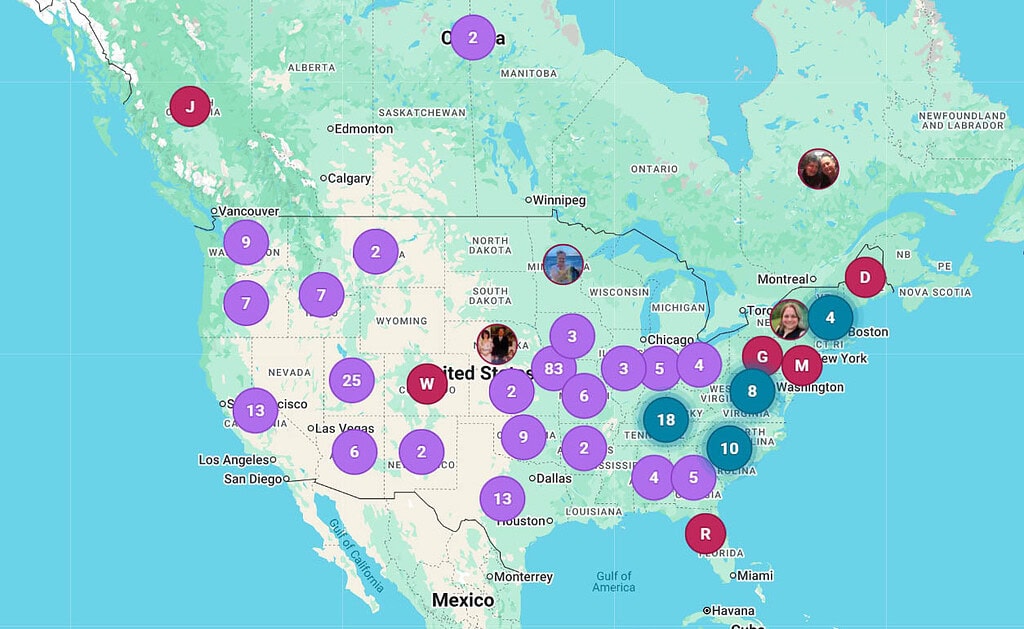
Getting the Most Out of Relatives at RootsTech
Since the feature is only available for a limited time, you will want to be intentional about how you use it.
1. Review Your Closest Matches
One of the most exciting parts of Relatives at RootsTech is discovering how closely you are related to other attendees. If you come from a small family, as I do, finding a close cousin can feel especially significant.

When you find a match of interest:
- Click Relationship to view the relationship path.
- Remember that estimated relationships are only as accurate as the trees behind them. As we say in our house: trust but verify.
- Use the Chat feature to introduce yourself. A thoughtful message referencing the shared ancestor or lineage is far more likely to receive a response than a simple “Hi, we’re cousins!”
- Save important matches by adding them to your Contacts in FamilySearch for future reference.
TIP: During the conference, you can message your relatives via direct chat on the RootsTech website. To do this, select the chat icon at the top of the RootsTech screen. The direct chat system will go away after the conference ends.
2. Use Filters Strategically
The filtering tools make it much easier to analyze your connections.
- By Location – Looking for cousins in a specific country or state? The location filter can narrow your results geographically, including by U.S. state.
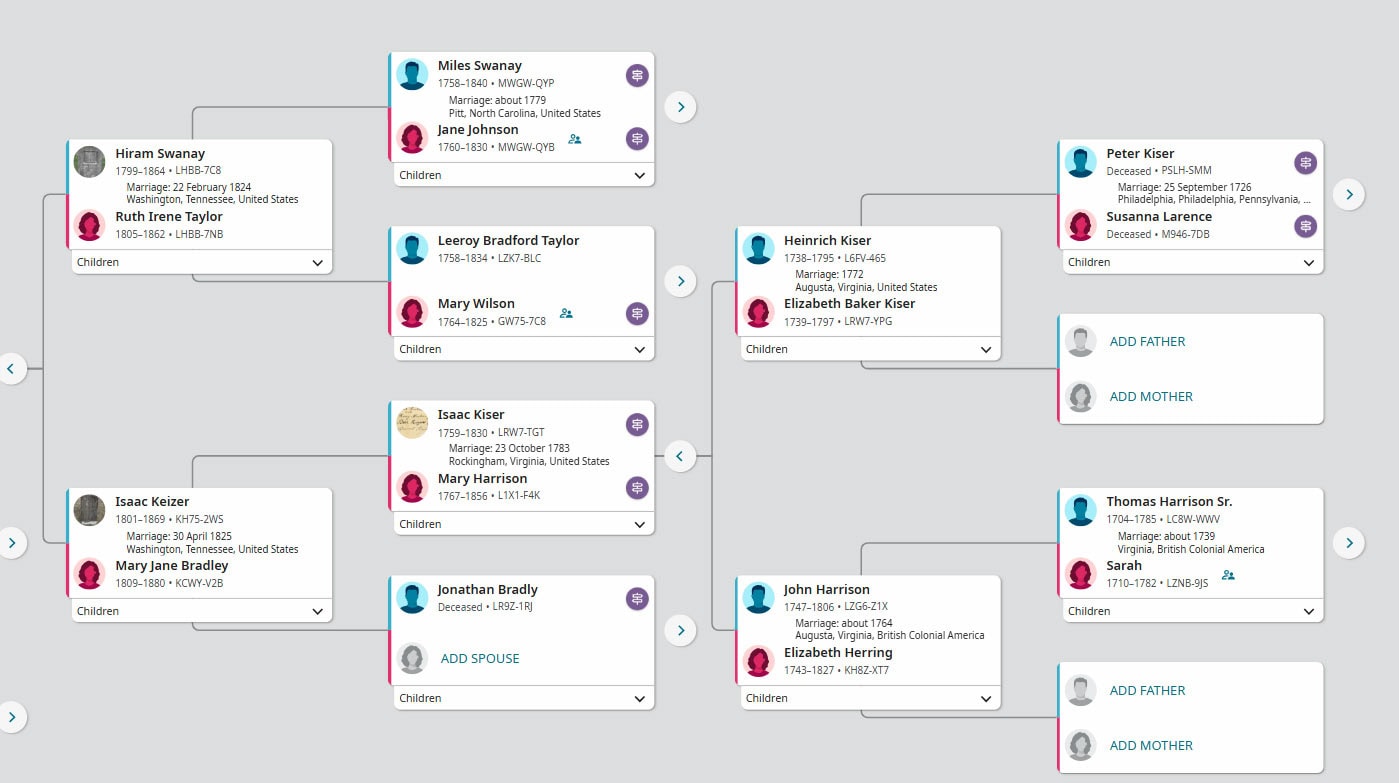
- By Ancestor – Select an ancestor from the drop-down menu to identify matches connected through that specific individual. This is also helpful for spotting possible errors in the FamilySearch Family Tree.
- By Family Line – Filter by a parent or grandparent to see matches descending from that line.
- Search Attendees – You may search by name, though results depend on how the attendee registered.
TIP: Use your real name (or something close) in your FamilySearch profile so you can be found using the Search Attendees filter. Married women may also want to include their birth surname for the best results.
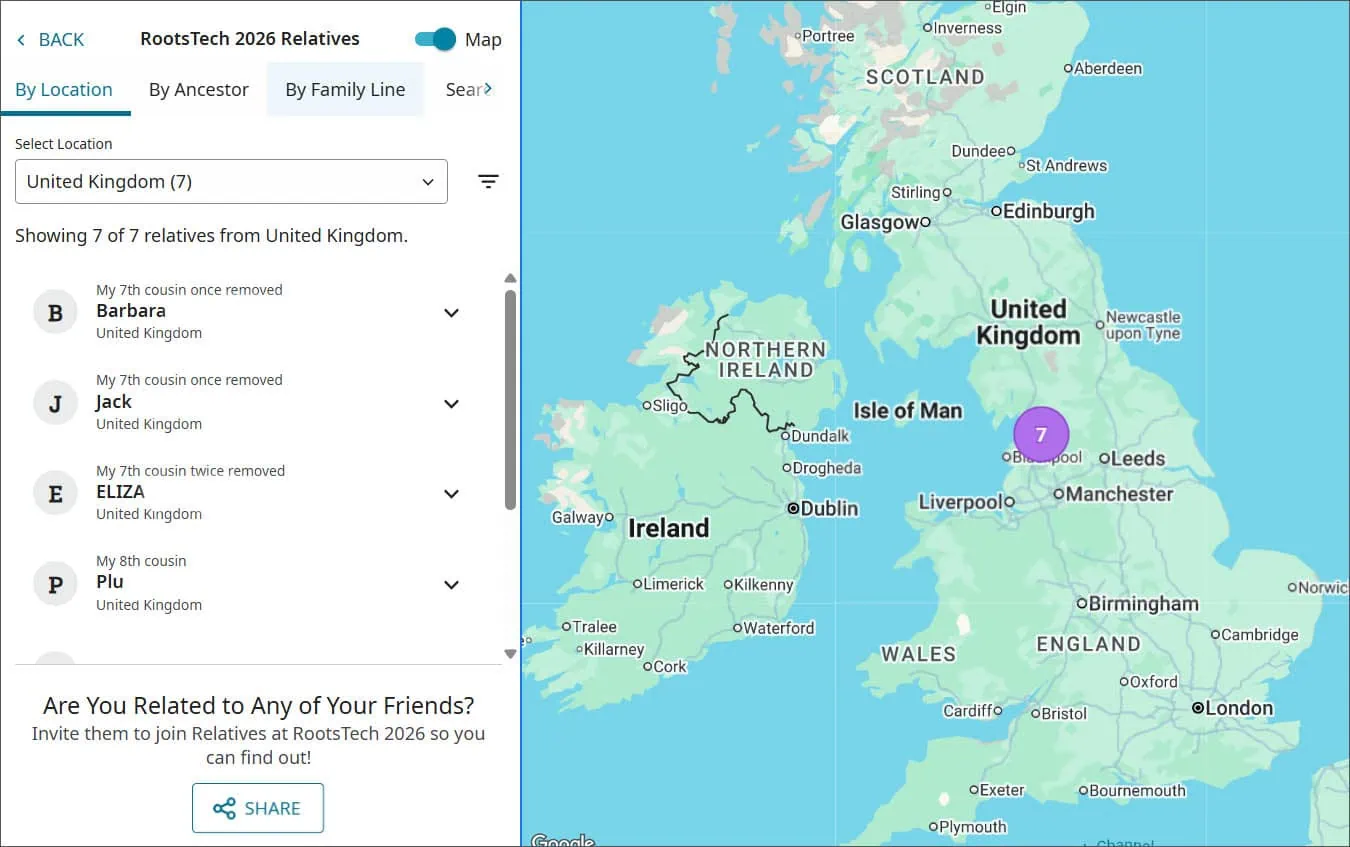
3. Capture Relationship Information
Before the feature closes for the year:
- Take screenshots of meaningful relationship paths.
- Save key contacts.
- Make notes about lines you want to explore further.
Once Relatives at RootsTech is no longer available, it may be difficult to locate specific living connections.
4. Add New Connections to Your Own Database
Living individuals connected through Relatives at RootsTech will not appear in your public FamilySearch view. If you want to preserve the relationship context, consider adding notes to your own genealogy software or research log.
Be sure to document:
- The shared ancestor
- The estimated relationship
- Any follow-up actions
This helps you maintain continuity after the conference window closes.
5. Look For DNA Connections
If you have tested for genetic genealogy, search your DNA databases for new relatives you discover through Relatives at RootsTech. If you do not find them, consider sending a polite message asking whether they have tested and where.
Relatives at RootsTech can provide excellent targeted testing opportunities, especially when you are working on a specific research question.
Be sure to visit our Resources page for discounts and sales on DNA kits.
Limitations to Keep in Mind
Relatives at RootsTech is only as accurate as the information in the FamilySearch Family Tree. Incorrect parent-child connections can create false cousin relationships. Evaluate each connection carefully before investing time in follow-up.
Additionally, the system displays only 300 matches at a time. If you have thousands of matches, you will need to use filters to rotate through different sets of 300 results based on location, ancestor, or line.
[irp]
Resources
- Relatives at RootsTech 2026: Find Out Who You’re Related To!
- Relatives at RootsTech FAQs
- RootsTech FAQs
- Register for the RootsTech Conference
Are we cousins? Click to find out!
Wrap Up
Even if you are not attending RootsTech in person, registering for the free virtual conference allows you to participate in Relatives at RootsTech.
As more attendees register, additional relatives may appear; check back periodically during the conference window.
Have you made meaningful discoveries through Relatives at RootsTech? Share your experience in the comments.


This post contains affiliate links. I may receive a small commission if you choose to make a purchase, but it does not add anything extra to the price you pay. For more, please read my full Disclosure Statement. I appreciate your support!
As a RootsTech Influencer, I may have received various material and non-material promotional items; however, opinions about the conference are my own.








I’m hoping to connect to cousins who also relate to my paternal 2nd Grt GF & GM (Ebenezer Swan and ?). I’ve spent over 450 hours trying to find his father! I have a plethora of documents that are near misses. But for sure he was born and I’m hoping someone out there, maybe new to genealogy, has the key!
Fingers crossed for you, Mary-Lee! 😊
This was the best tool to come along in a while and now “poof” it’s gone!… What is up with that?
Ha! I’m all in on Relatives and was stumped by the fact that of my 10k relatives so far 158 were in a small town north of Kansas City. Oh… duh, those are people who had not specified a location more narrow that United States 🫠 took me a while to figure that out🤦♀️
Looks like we are 10th cousins. That’s not very close
Lois Ward Robertson
Hi Lois, No, that isn’t very close. And I haven’t verified anything on my side beyond John Brown (1710-1753). But it’s nice to “meet” you anyway! 😊
We are 7th cousins on the Bowen-Carter line (I’m lindabhat on Rootstech). Happy to meet a cousin!
I haven’t researched that line, but I’ll definitely check it out now! Nice to meet a new cousin! 😊